Get started
Sign up
- Sign up to create your creator account using one of the available social media accounts — YouTube, Twitch, TikTok, or X. If you don’t have an account on any of these platforms, create one first; it’s required to register. Your connected social account is used to determine campaign eligibility and helps evaluate your profile.
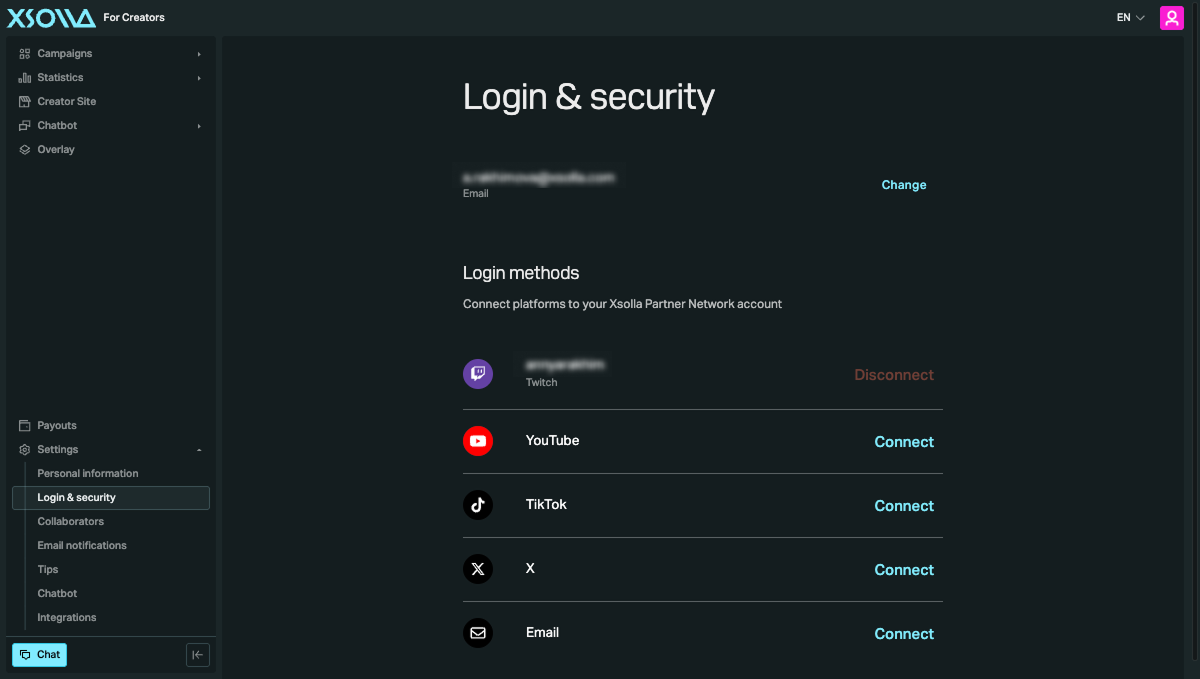
- Go to Settings > Login & security to connect any additional social media platforms you use.
Browse and join campaigns
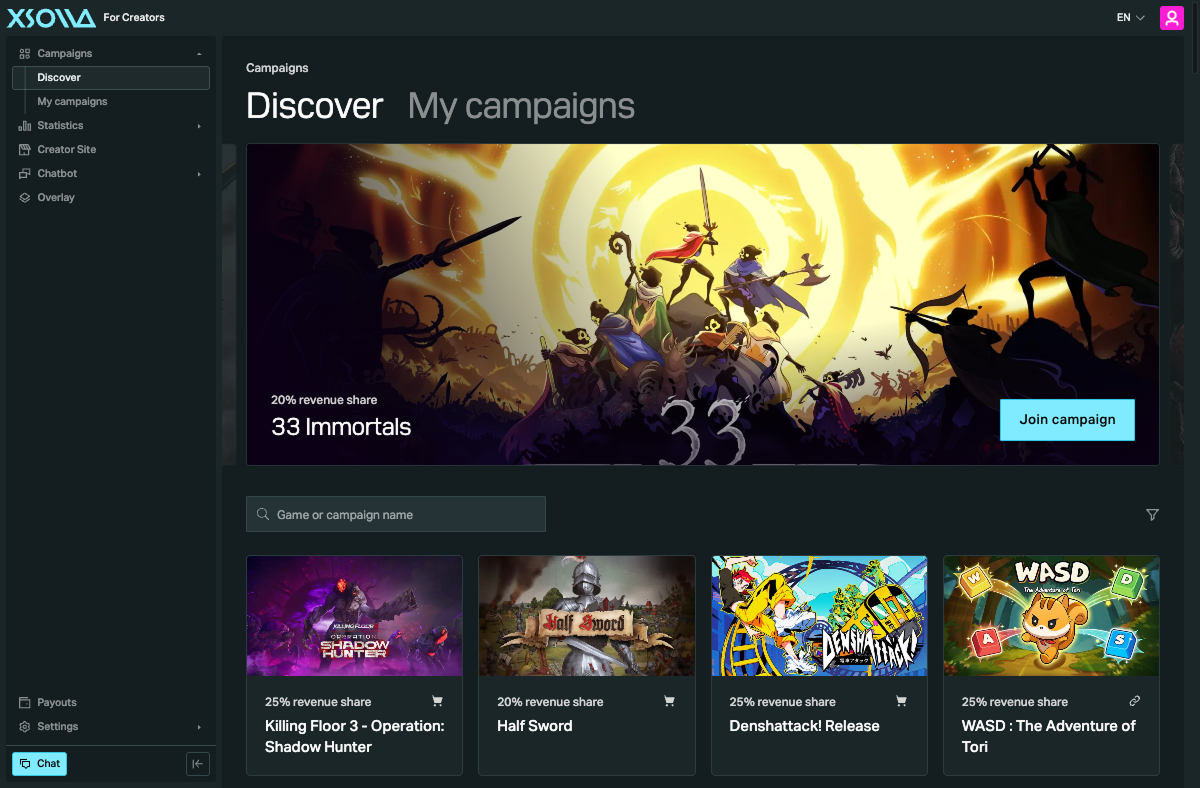
Go to the Campaigns page to browse public campaigns. Each campaign has its own eligibility requirements, such as supported platforms and social media metrics. Review the campaign requirements before applying.
You can:
- join a campaign immediately if it doesn’t require campaign manager approval;
- request access to campaigns that require campaign manager approval.
Most campaigns require the campaign manager to review and approve your application before you can participate.
After your application is approved, you’ll receive an email notification with a link to the campaign. The campaign page provides the promotion tools available for that campaign, such as a tracking link or promo codes. You can track your performance in the Statistics page.
You can participate in key campaigns without completing payout setup, since they don’t involve payouts.
Unlike key campaigns, campaigns that involve earnings require payout setup — but you can still apply before finishing it. However, you can’t withdraw any earnings until all three steps are done. We recommend completing setup early: delaying it means you could earn money you’re later unable to withdraw — for example, if your region or payout method turns out to be unsupported.
Use creator tools
After your application is approved, review the promotion tools available for the campaign, such as your storefront, tracking link, or promo codes. To engage your audience during streams, you can also use Chatbot and Overlay.
Set up payouts
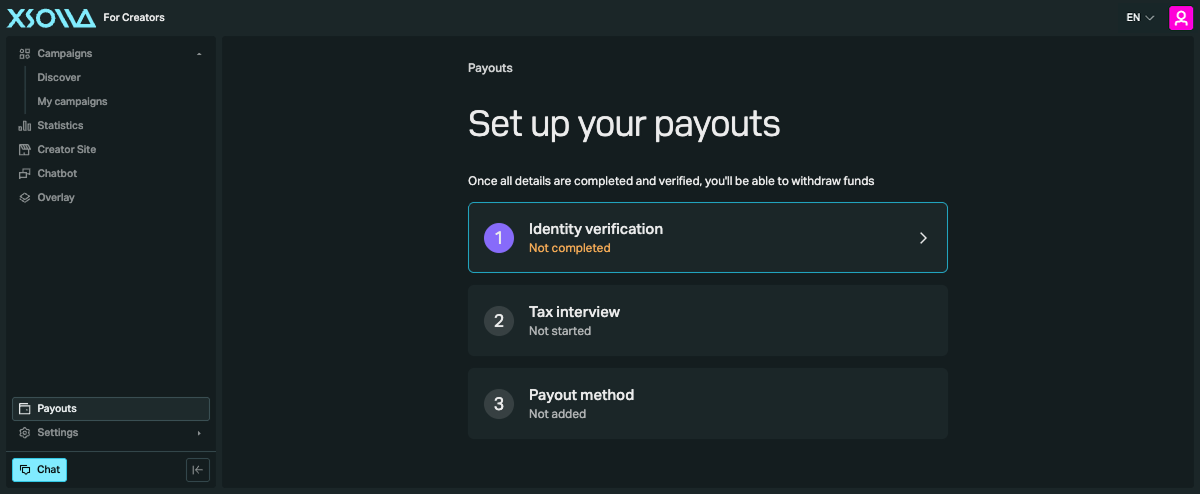
If you only plan to participate in key campaigns, you can skip this section — they don’t involve payouts. To receive payouts from campaigns that involve earnings, go to the Payouts page and complete the required steps:
- Complete identity verification.
- Complete the tax interview.
- Add a payout method.
Found a typo or other text error? Select the text and press Ctrl+Enter.
