Creator storefront
Your storefront is the Shop section of your Creator Site — it displays the offers from your approved storefront revenue share campaigns. It appears once you’re approved for a storefront campaign and updates automatically as campaign managers add or update items.
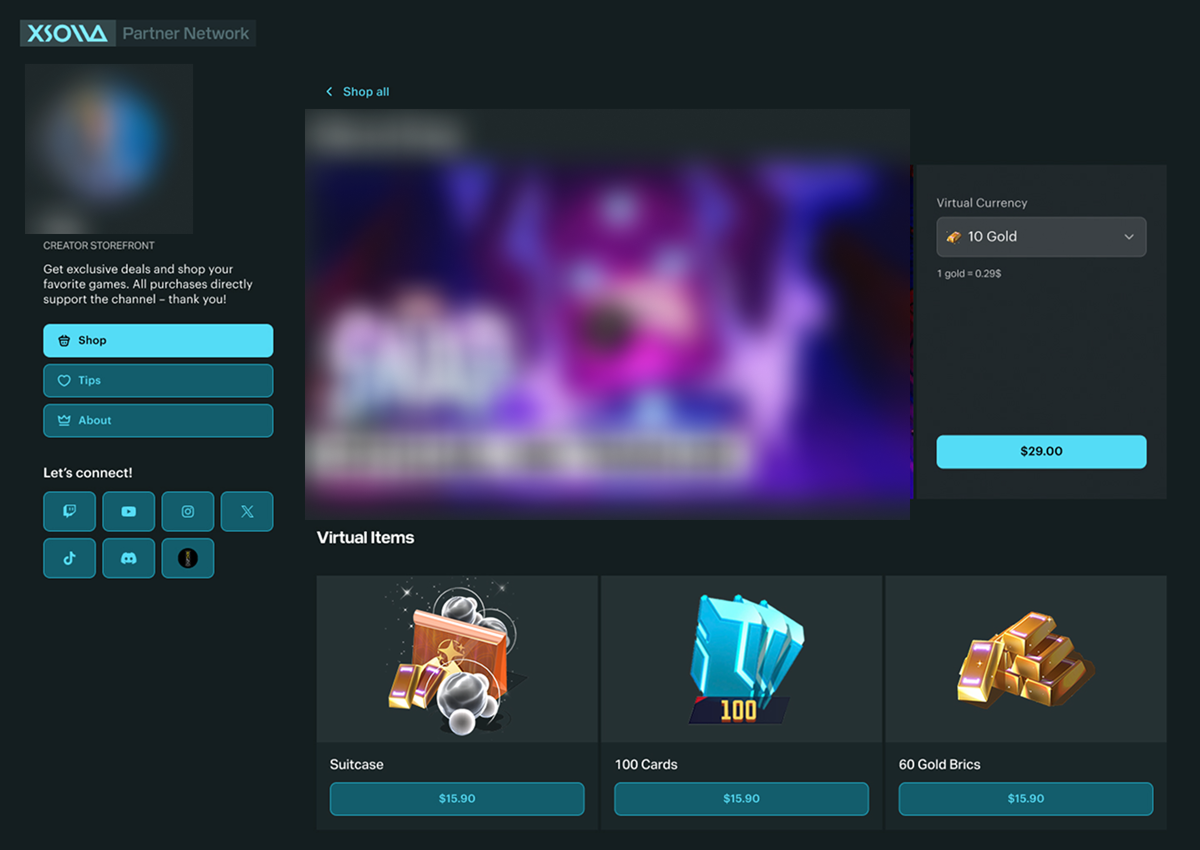
Each approved campaign gets its own page in your Shop, formatted as x.la/@yourusername/game-name. You can share a direct link to a specific campaign in two ways:
- Click its thumbnail on your Creator Site, then copy the URL from your browser’s address bar.
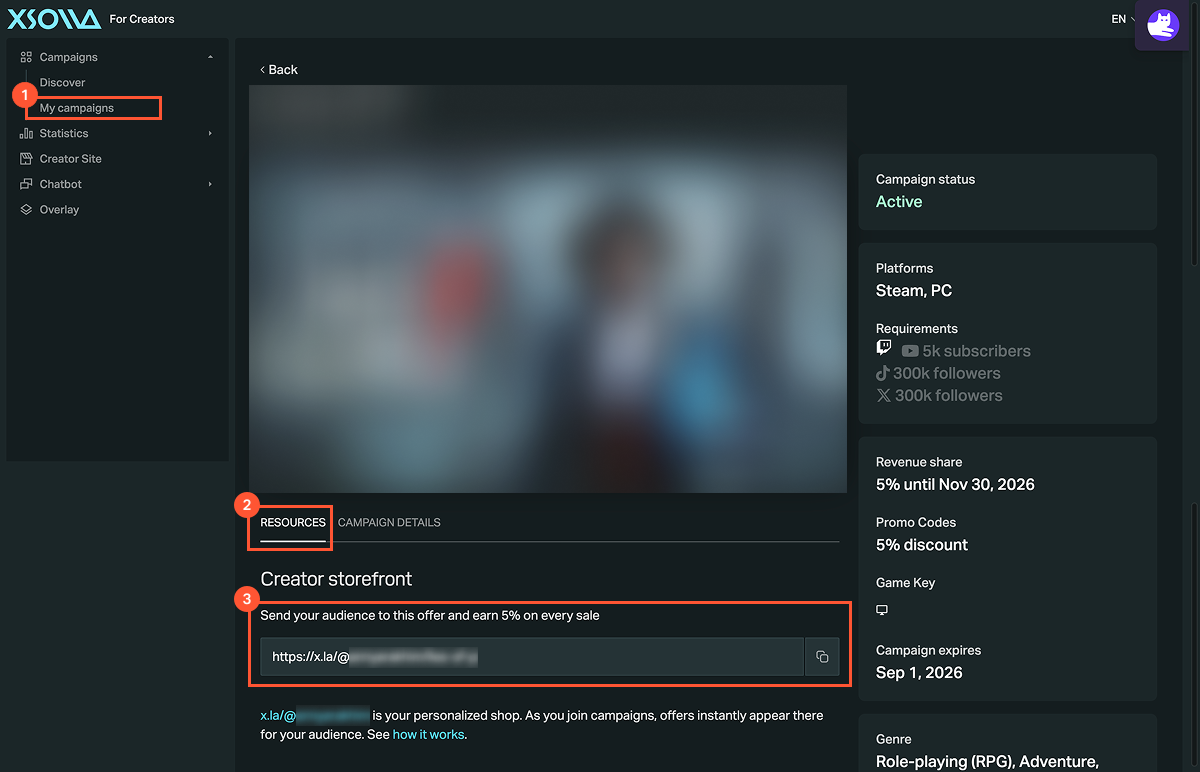
- Open that campaign in the Campaigns > My campaigns section and copy its URL from the Resources tab.
How purchases work:
- A viewer opens your campaign page link and sees the available items.
- The viewer selects an item and goes to checkout.
- The viewer completes the purchase directly on your page via the Xsolla payment UI.
- The sale is automatically attributed to you — no extra setup needed.
Track your storefront performance in two places:
- The Payouts > Transaction history > Credits tab — logs every purchase.
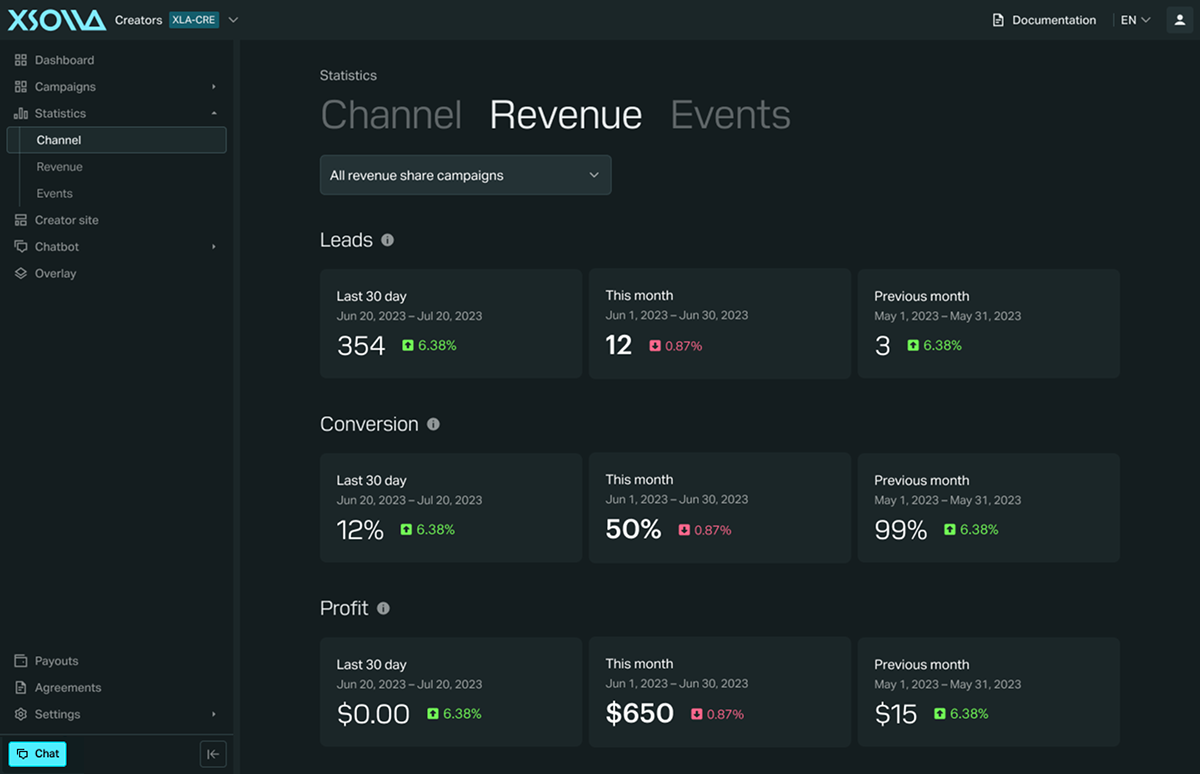
- The Statistics > Revenue tab — shows your leads (clicks and visits), conversion rate, and profit.
Note
Your storefront (Shop) is part of your Creator Site, but the two work independently. You can fill your Creator Site’s Profile and About sections without joining any storefront campaigns — the Shop section will stay empty. You can also have several active storefront campaigns without filling out the rest of your Creator Site.
Was this article helpful?
Thank you for your feedback!
We’ll review your message and use it to help us improve your experience.Found a typo or other text error? Select the text and press Ctrl+Enter.
