Analytics
Note
Analytics data is displayed only after the technical integration is completed.
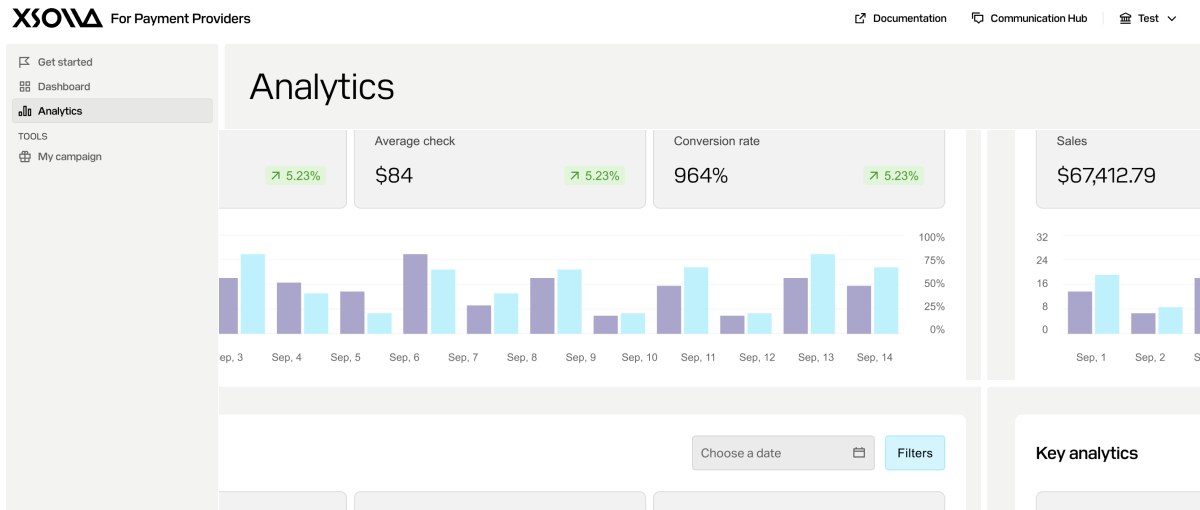
In the account for payment providers, in the Analytics section, the following data is available:
- Total amount of sales.
- Average check.
- Conversion rate.
- Comparison chart of metrics with the previous period.
- List of games where your payment method is enabled, including purchase data for each game.
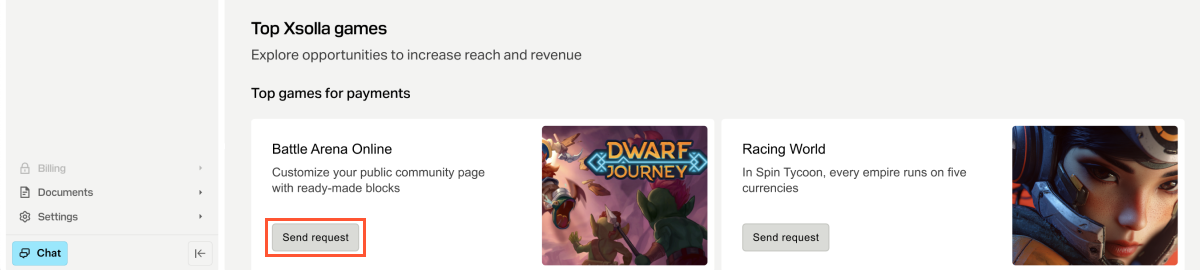
- Recommendations on games where you can enable your payment method. To do this, click Send request on the game card and wait for further information from the Xsolla team. Keep in mind that the decision to enable your method is made by the game developer.
Was this article helpful?
Thank you for your feedback!
We’ll review your message and use it to help us improve your experience.Found a typo or other text error? Select the text and press Ctrl+Enter.
