
Configure payment UI and flow
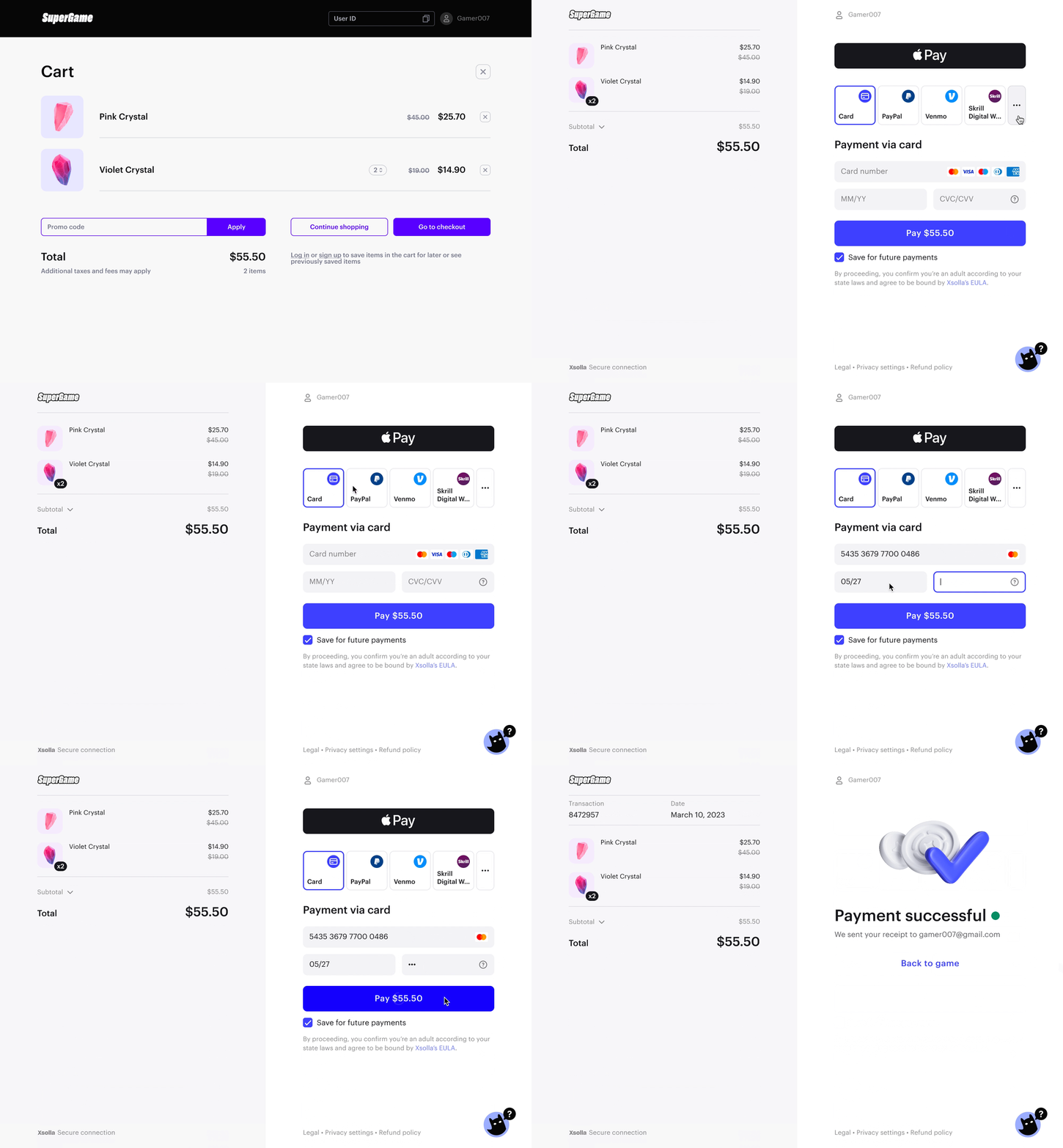
Xsolla payment UI allows you to monetize your game by providing users with a convenient UI to pay for in-game purchases in the game store.
Key features:
- 1,000+ payment methods in 200+ countries, including bank cards, digital wallets, mobile payments, cash kiosks, gift cards, and special offers
- 130+ currencies
- UI localized in 25+ languages
- Desktop/mobile browser versions
To integrate the payment UI into your game, follow the integration guide.
Notice
For a streamlined integration, use Xsolla SDK. This versatile solution enables in-game payments across mobile, PC, and web, supporting distribution through both official stores and direct-to-consumer channels.
Explore references & resources
Learn more about the product.
Find your answers in FAQs
Was this article helpful?
Thank you for your feedback!
We’ll review your message and use it to help us improve your experience.Found a typo or other text error? Select the text and press Ctrl+Enter.
