Integration with Singular
Glossary
Singular
Singular Device ID (SDID)
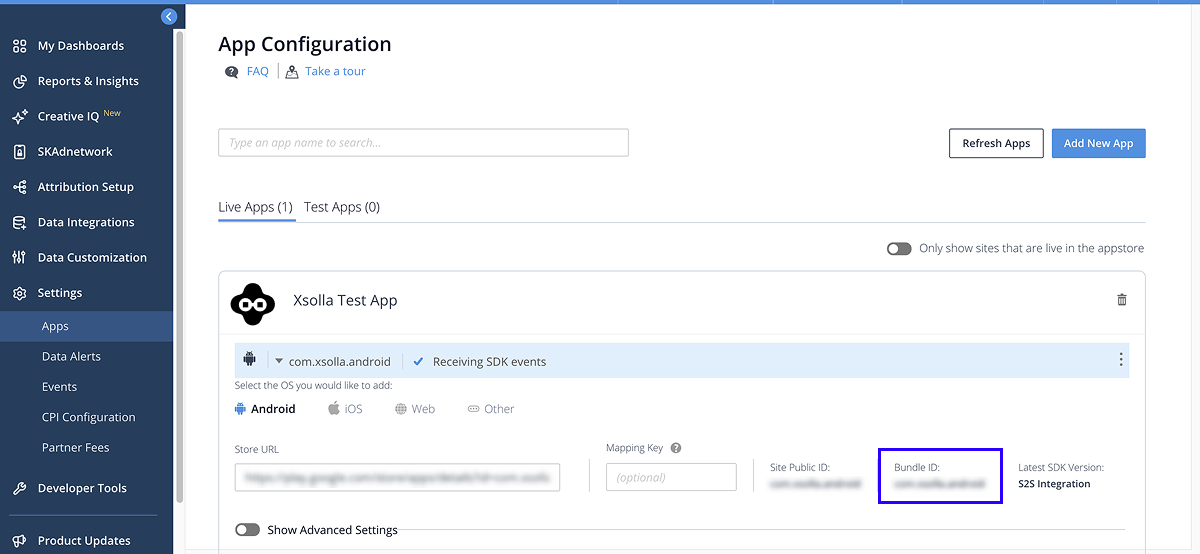
Application ID
Mobile application ID unique for each platform (Android, iOS). It corresponds to the
Lifetime Value (LTV)
Return on advertising spend (ROAS)
Web event
In-app event
User acquisition
Retargeting
Customer user ID (CUID)
User ID generated and set by the application owner at the time of user registration. The CUID should be the same for Web Shop and Singular. This parameter is used for user matching and attribution.
You need to pass this parameter in the postback.
If you configured user ID authentication in your Web Shop, make sure that CUID used in the Web Shop matches the one configured to be sent to MMP from your mobile application. If they don’t, contact your Customer Success Manager or email to [email protected] to implement the User validation in Web Shop webhook or authentication via a deep link.
If you configured other authentication options, refer to the Authentication configuration for integration with MMPs section.
Postback
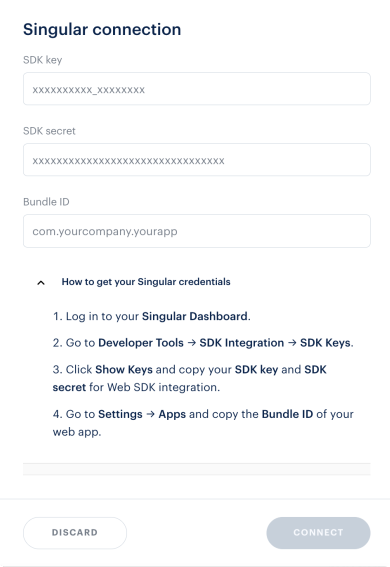
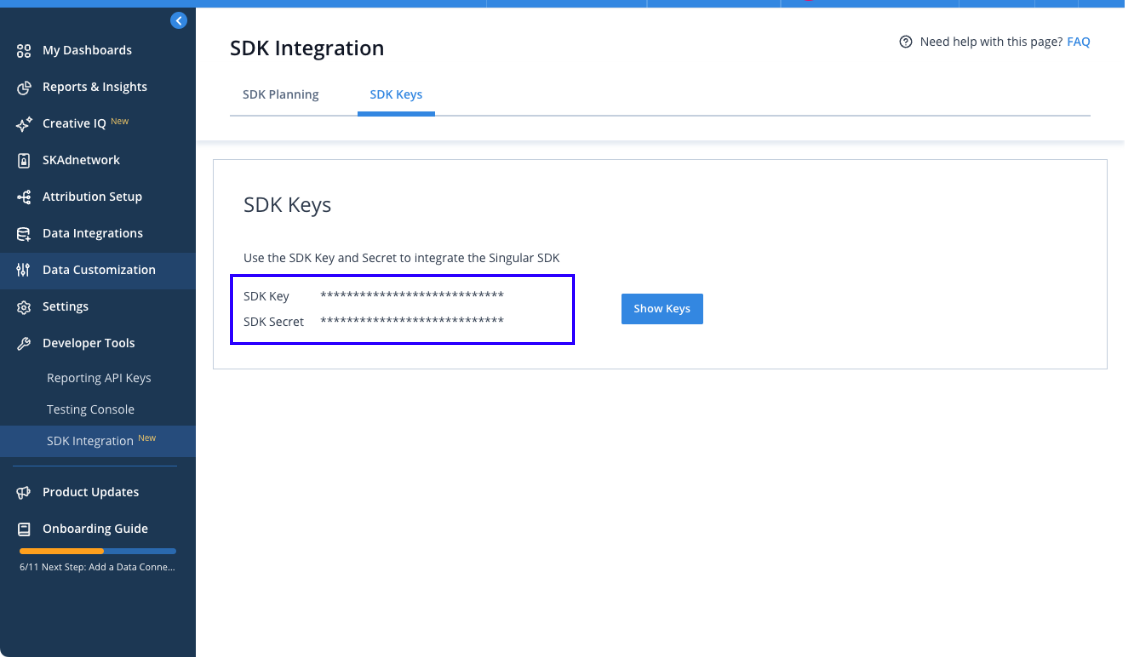
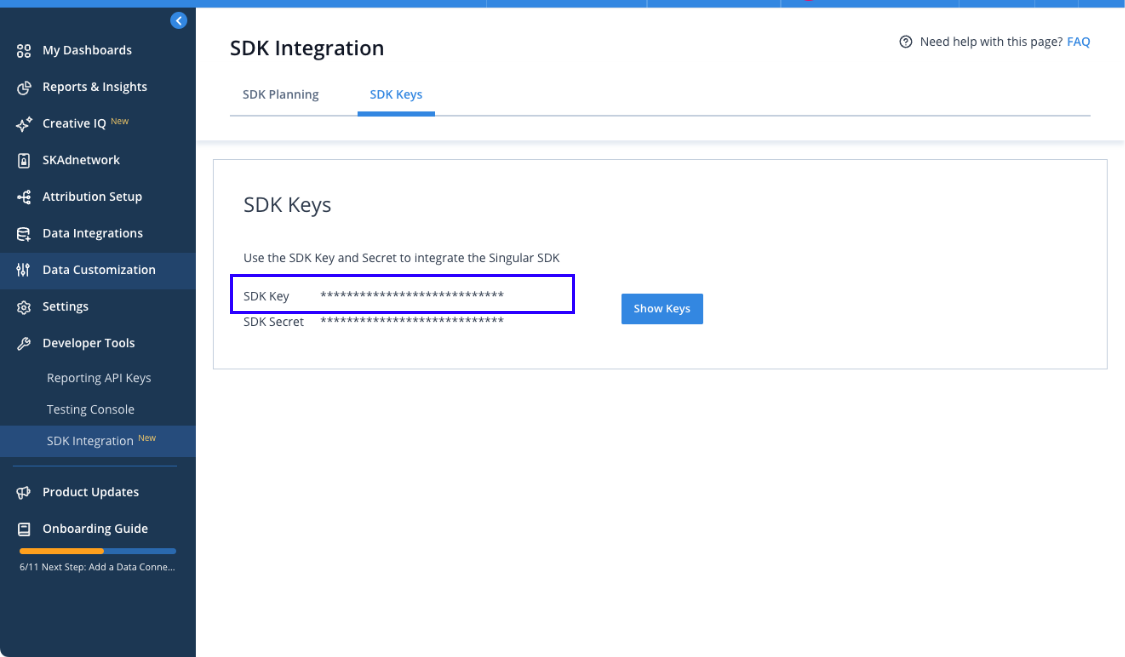
SDK key
SDK secret
Integration flow
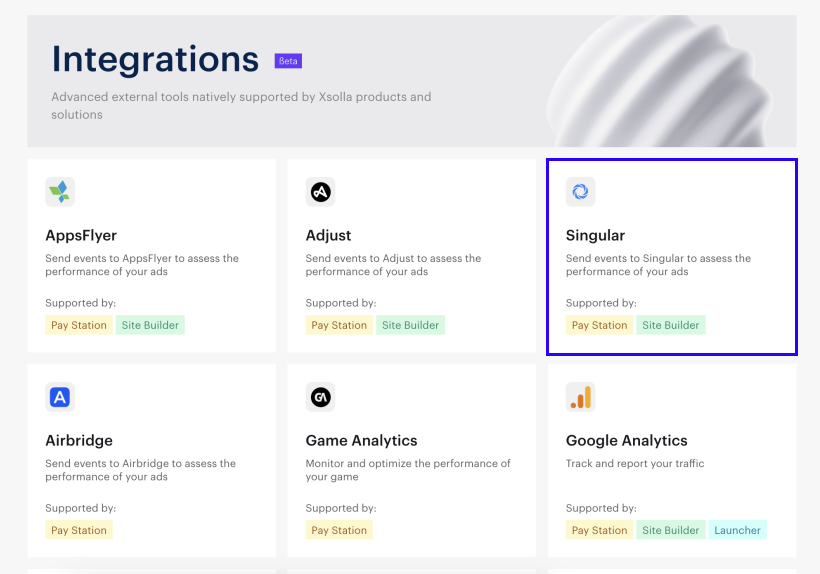
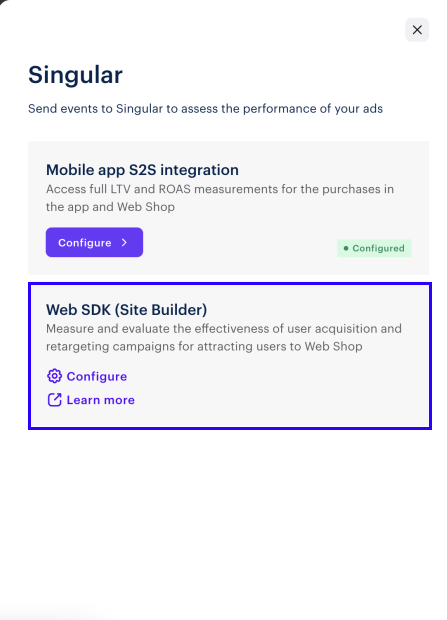
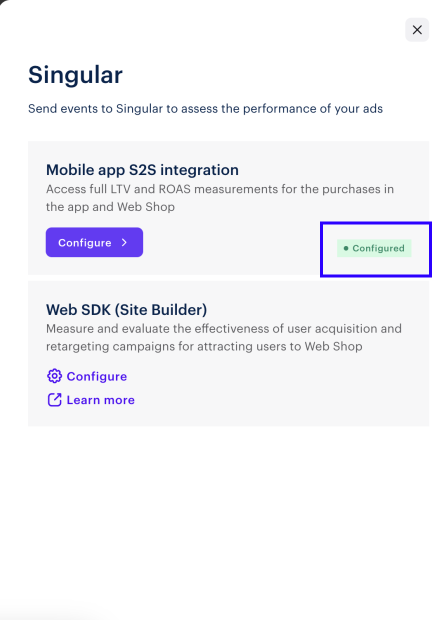
Singular and Xsolla support the following types of integrations:
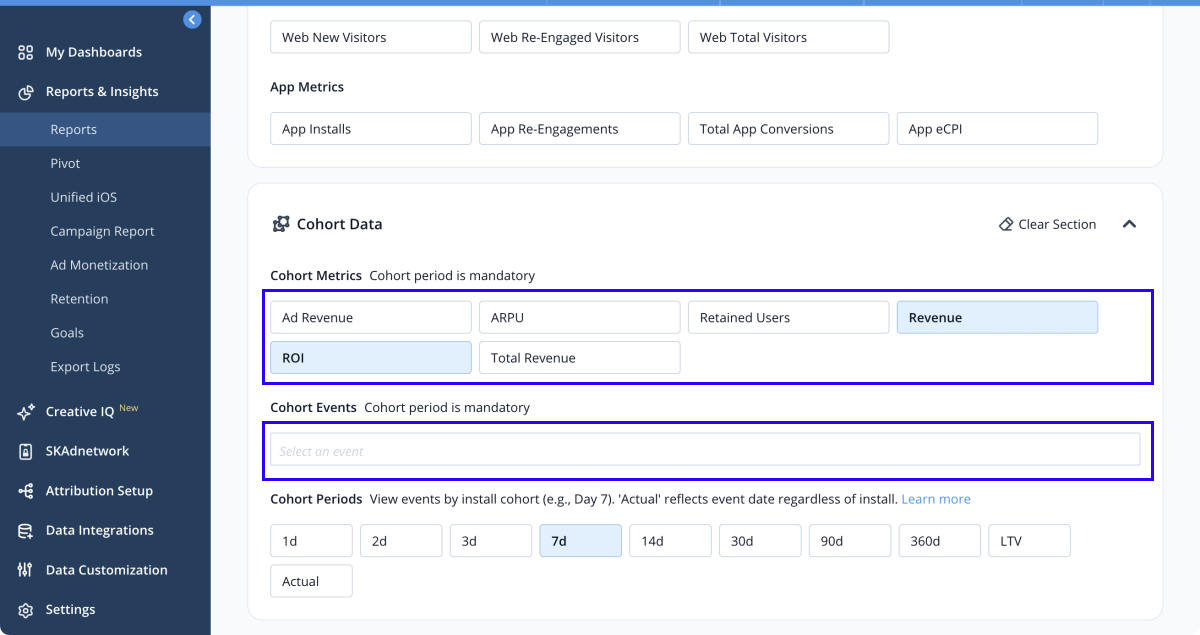
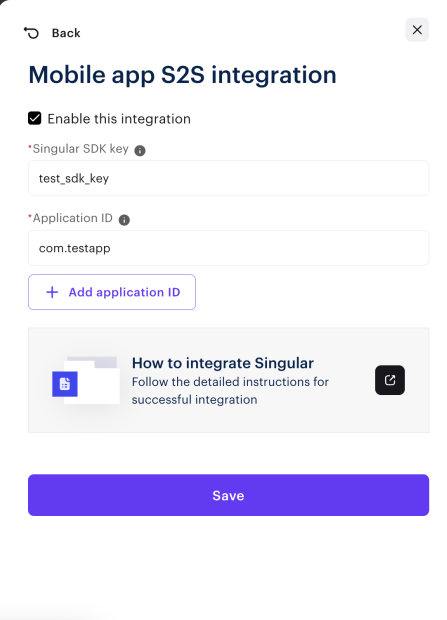
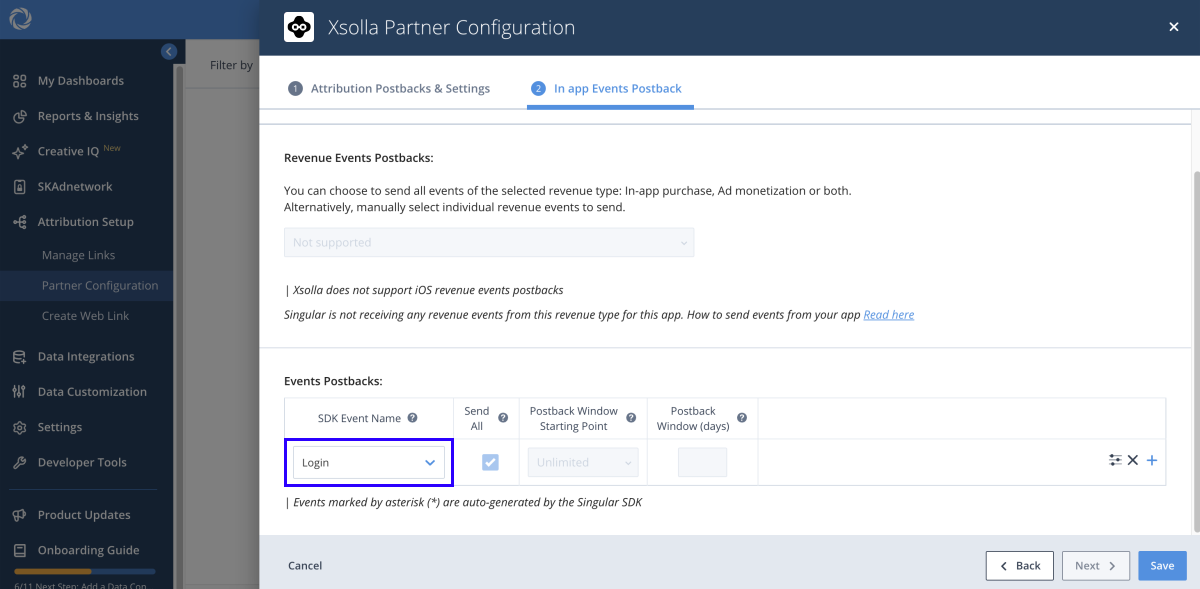
- Mobile application S2S integration — allows completion of full LTV and ROAS measurement for the purchases within the application and on Web Shop. Xsolla sends information about purchases in Web Shop to Singular as mobile in-app events, which Singular then attributes to the number of mobile application installations, user acquisition and re-engagement campaigns.
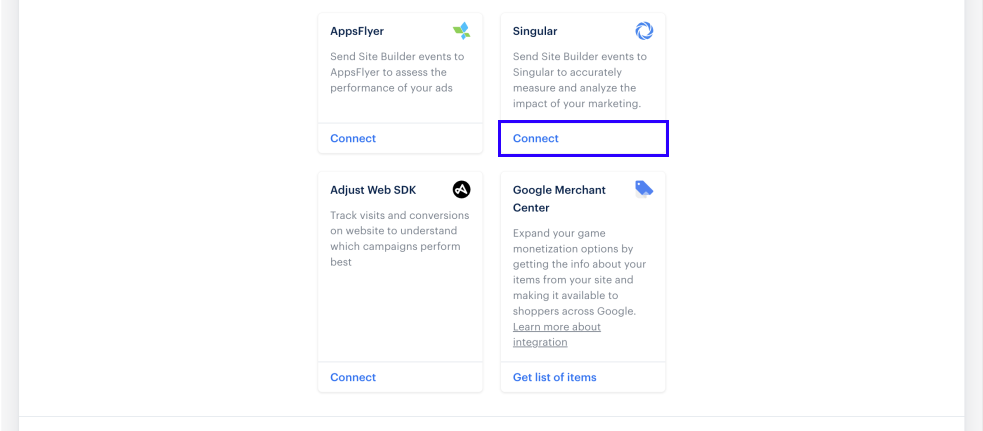
- Web SDK integration — allows you to measure and evaluate the effectiveness of user acquisition and retargeting campaigns for attracting traffic to Web Shop.
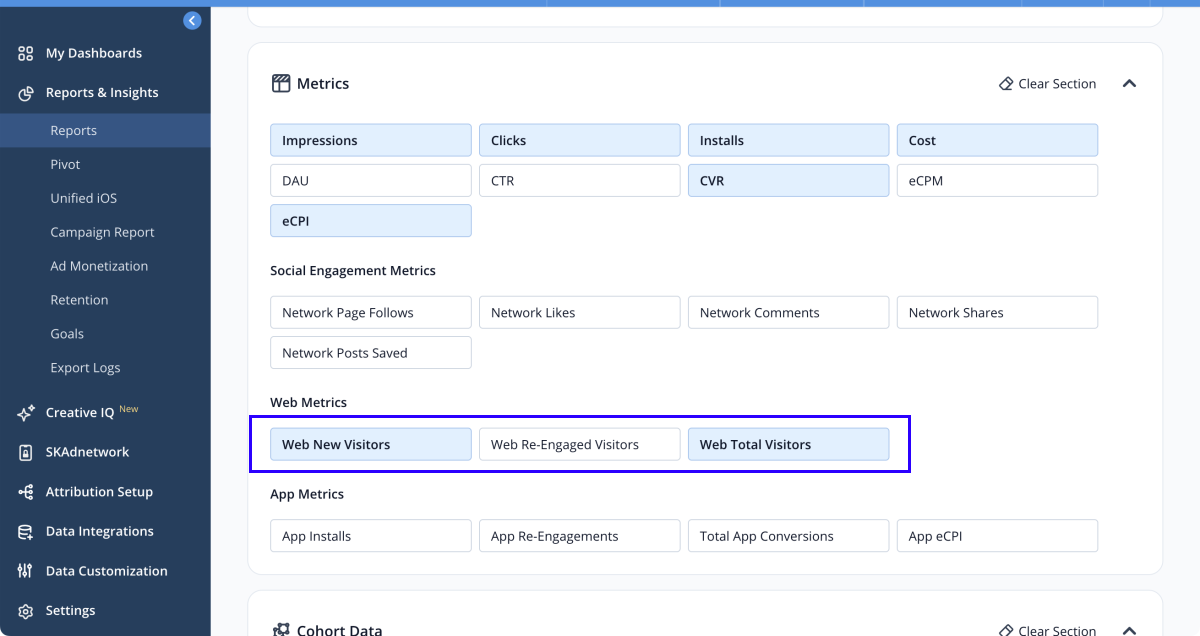
Web SDK integration allows assessment of how many users came to the site through a retargeting campaign and the conversion of channels leading to the site. Xsolla sends information about purchases in Web Shop to Singular as web events, which Singular attributes to the corresponding media source, campaign, advertising set, and advertisement that led the user to the purchase.

Found a typo or other text error? Select the text and press Ctrl+Enter.
