Quests
Overview
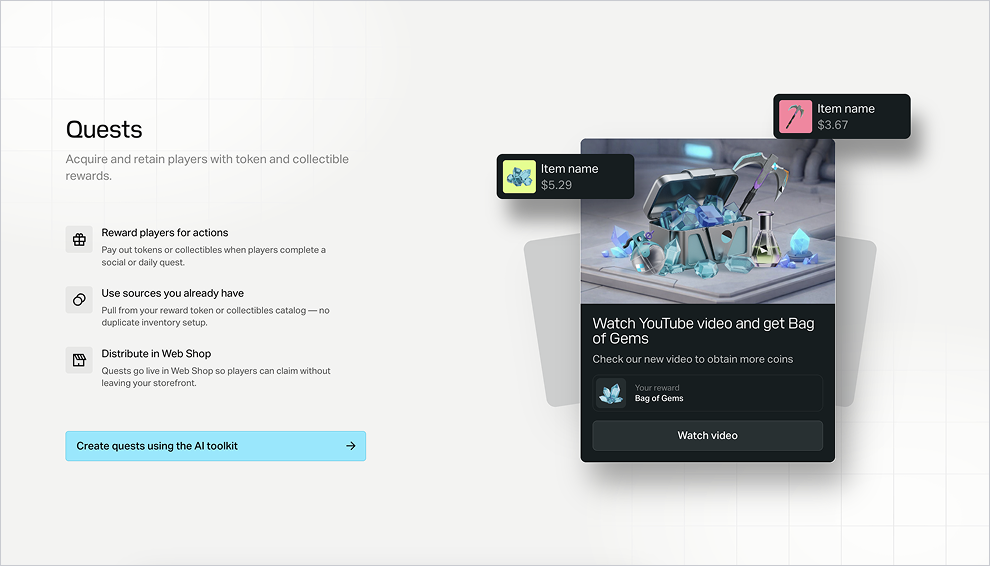
Quests are tasks that users complete in your Web Shop — such as watching a YouTube video — to claim a collectible item or reward token. You can set up quests with the Xsolla AI toolkit. The toolkit is built on SKILL.md and integrates natively with most common AI development tools. It provides direct integration paths to support AI-assisted implementation, and it automatically updates files whenever API schemas change.
How to set it up
To access the AI toolkit:
- Open your project in the account and go to the User acquisition > Quests section.
- Click
Create quests using the AI toolkit .
- In the page that opens, install the skill for your preferred AI tool, such as Claude Code, Codex, Gemini CLI.
Was this article helpful?
Thank you for your feedback!
We’ll review your message and use it to help us improve your experience.Found a typo or other text error? Select the text and press Ctrl+Enter.
