Creates the code for linking the platform account to the existing main account when the user logs in to the game via a gaming console.
The call is used with Link accounts by code request.
https://login.xsolla.com/apiThis section describes API calls for working with Login. Set up your Login project in Publisher Account before sending requests.
The full list of IP addresses that login.xsolla.com may use:
You have access to the following Login project types in Publisher Account:
To find more information on it, see Cross-platform account feature.
Are the restrictions applied by Xsolla API on the frequency of access by a user within a defined timeframe.
Is an account type that is created in a standard Login project and linked to platform accounts. The main account is used to identify the player on different platforms.
Is an account type that is created in a shadow Login project and connected to a definite publishing platform. The platform account can't be linked to another platform account. Also, you can't unlink the accounts from a main account.
Is a game platform that is used for game distribution (e.g. Steam, PlayStation, Xbox, etc.).
Login API supports the following token types:
You can determine whether an API call is client or server-side by the scheme of authentication:
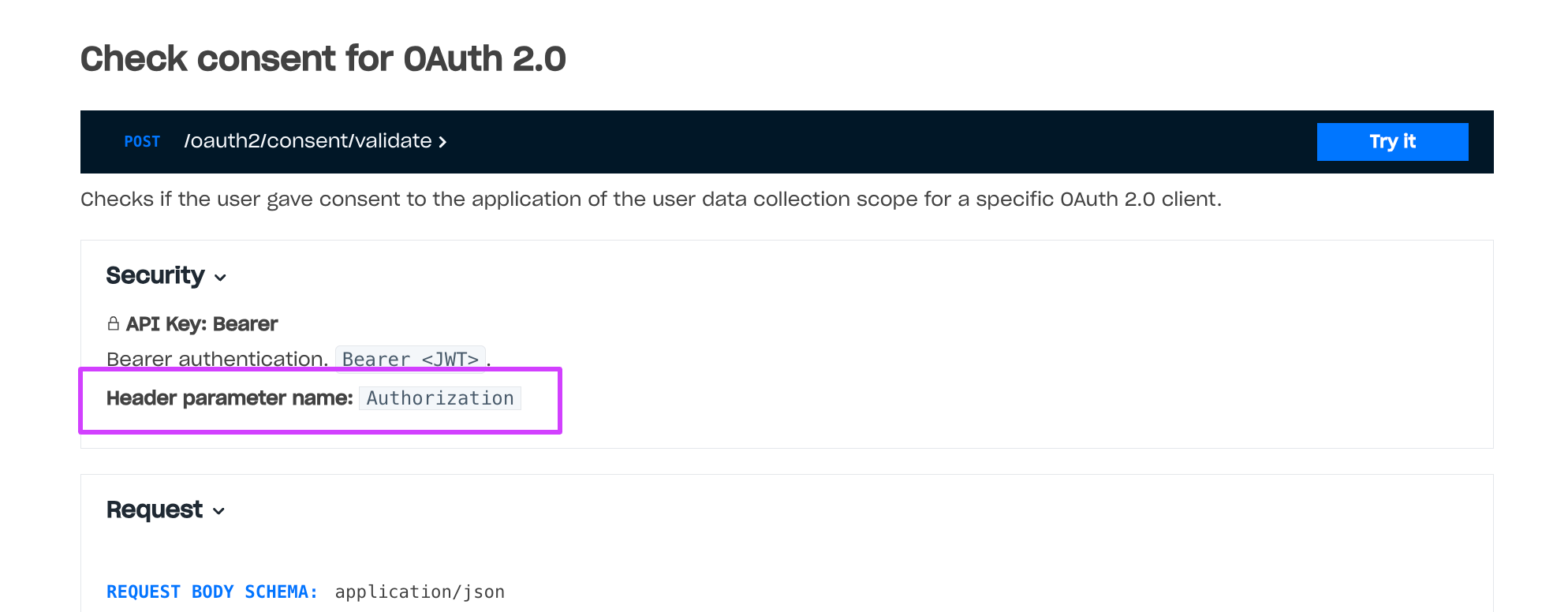
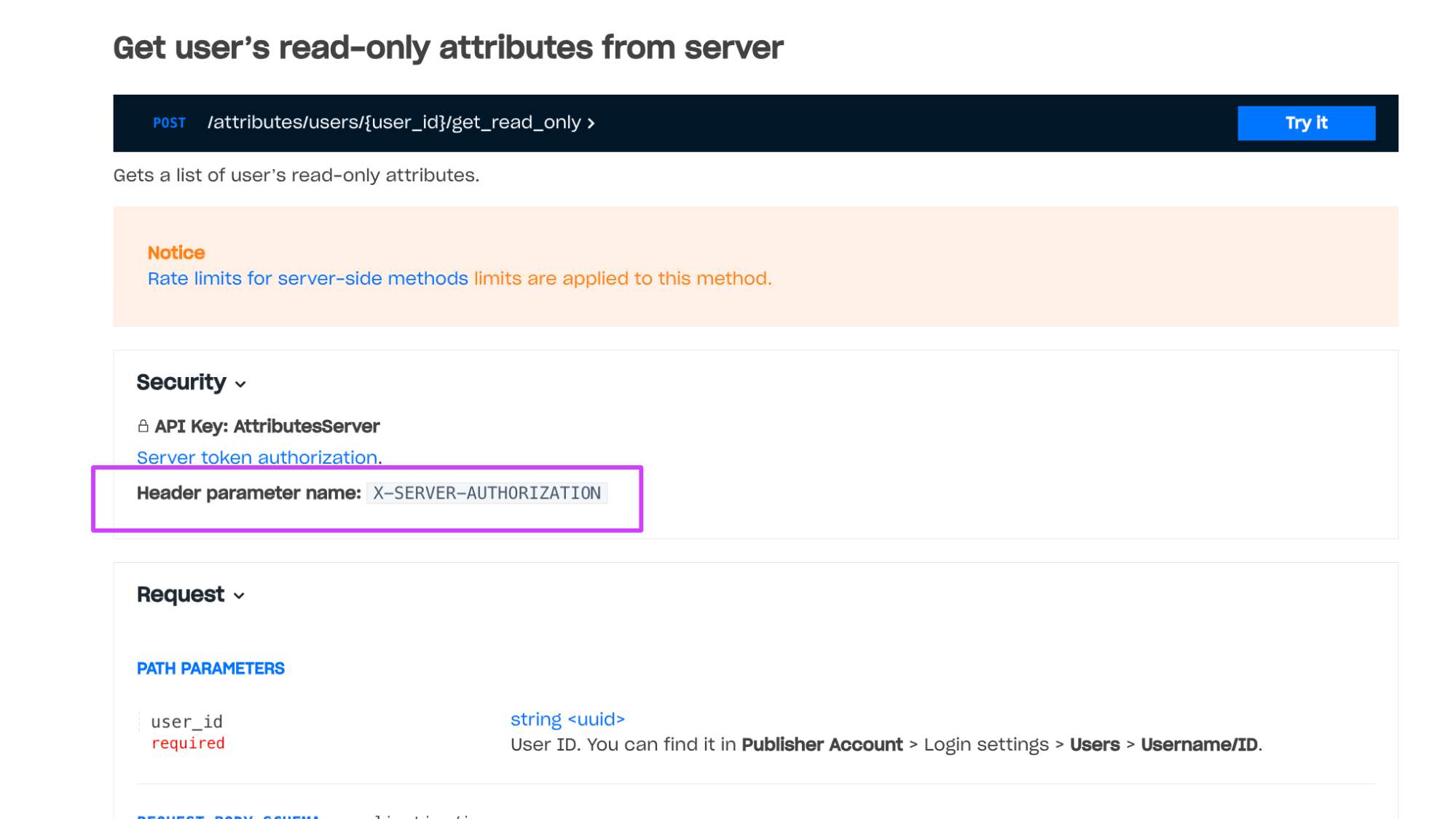
Authorization header: Bearer <user_JWT> header, where <user_JWT> — is the user token.X-SERVER-AUTHORIZATION: <server_JWT>, where <server_JWT> — is the server token.To get the token, send one of the following requests:
After JWT authentication, the user is redirected to the Callback URL with a token in a query-parameter: <Callback URL>?token=<User token (JWT)>.
After OAuth 2.0 protocol-based authentication, send the Generate JWT POST request to the Xsolla Login server to exchange the received code parameter for a user token (access_token).
When the access token expires, the client sends Generate JWT POST request endpoint on the Xsolla Login server. The request body must include the following parameters:
grant_type — JWT grant type, pass the refresh_token value.client_id — OAuth 2.0 client ID.refresh_token — refresh token received in response to the user authorization request.On the back end of your application, implement a method to get the server JWT using the Generate JWT API call. The request must contain the following parameters:
grant_type is the type of getting JWT, pass the client_credentials value.client_secret is the secret key that is received when you set up the server OAuth 2.0 client.client_id is the client ID received when you set up the server OAuth 2.0 client.When the server token expires, generate a new token using the Generate JWT API call. The request body must include the following parameters:
grant_type — JWT grant type, pass the client_credentials value.client_id — OAuth 2.0 client ID.client_secret — OAuth 2.0 client secret key.To prevent Xsolla system overloads and protect against sudden spikes in incoming traffic, Xsolla limits the number of requests received by the Xsolla API within a specified period of time. If the limit is exceeded, the Xsolla API returns an HTTP response with the 429 status code.
Rate limits vary by method, IP-address, authentication scheme, and other factors.
Rate limits for server-side methods are applied to methods with server-side authentication — methods that are called with the X-SERVER-AUTHORIZATION: <server_JWT> header, where <server_JWT> is the server token.
Rate limits for client-side methods are applied to methods without authentication or with client-side authentication — methods that are called with the Authorization: Bearer <user_JWT> header, where <user_JWT> is the user token.
Example of a method with server-side authentication:
Example of a method with client-side authentication: 
Rate limits for client-side methods do not change and are necessary to prevent brute-force attacks. The maximum request rate for server-side methods is higher than for client-side methods. You can refer to the recommendations on how to manage rate limits in the documentation.
Note
In certain cases, it is possible to adjust the rate limits by request. To request the rate limits adjustment, contact your Customer Success Manager or email csm@xsolla.com.
Every token has a JWT format and contains a definite information in a payload.
User JWT is a token received as a result of authentication or registration. A token payload contains information about the user and authentication call.
Getting a user token via the OAuth 2.0 protocol requires an OAuth 2.0 client. The user token is passed in the Authorization: Bearer <JWT> header.
A token will contain the main claims after authentication or email address confirmation. Presence of these claims does not depend on the user database and authentication call.
| Claim | Type | Required | Description |
|---|---|---|---|
exp | Unix Timestamp | Yes | Date and time of token expiration. Default expiration time is 24 hours. You can change expiration time for every Login project. |
iss | string | Yes | Service that signed the token: https://login.xsolla.com. |
iat | Unix Timestamp | Yes | Date and time of giving the token. |
sub | string (UUID) | Yes | User ID written on the Xsolla Login server side. |
groups | array | Yes | List of groups the user is in. Each group: id — group ID; name — group name; is_default — whether the group is default (true or false). There can be only one default group, which initially includes all users before they are distributed into different groups. |
xsolla_login_project_id | string (UUID) | Yes | Login project ID. |
type | string | Authentication option: xsolla_login — login via username/email and password; social — social login; email — passwordless login via one-time code by email; phone — by SMS; firebase — Firebase storage; playfab — PlayFab storage; proxy — custom storage; device — device ID; server_custom_id — custom ID. | |
avatar | string | User avatar URL. | |
username | string | Username. | |
publisher_id | integer | ID of a merchant who owns a Login project. | |
email | string | User email address. | |
payload | string | Additional information that is passed in the payload parameter during authentication. | |
promo_email_agreement | boolean | true if the user agrees to receive a newsletter, false otherwise. Default: true. To add to the Login widget registration form: contact your Account Manager (Widget 2.0) or add the fields parameter with the promo_email_agreement value to the initialization code (previous widget version). | |
connection_information | string | Shows whether the user confirmed their birth date or not. Confirmation is made via the okname service. |
Claims that are contained in the token after authentication if you use PlayFab storage.
| Claim | Type | Required | Description |
|---|---|---|---|
external_account_id | string | Yes | User PlayFab ID. |
session_ticket | string | Yes | A SessionTicket parameter received during an authentication request or requests to the PlayFab API. A token contains the claim if you authenticate users via the OAuth 2.0 protocol and pass the playfab value to the scope parameter. |
entity_token | string | Yes | An EntityToken.EntityToken parameter. |
entity_type | string | Yes | An EntityToken.Entity.Type parameter. Can have only the title_player_account value. |
entity_id | string | Yes | An EntityToken.Entity.Id parameter. |
Claims that are contained in the token after authentication if you use custom storage.
| Claim | Type | Required | Description |
|---|---|---|---|
provider | string | Yes | Name of a social network used for authentication. If the user authenticates via username and password, the claim has the xsolla value. |
external_account_id | string | User ID on your server side. | |
partner_data | Data of any type returned by your server in the response body during authentication. To enable the transmission of this claim, contact your Customer Success Manager or email csm@xsolla.com. | ||
social_access_token | Access token of the social network through which the user was authenticated. To enable the transmission of this claim, contact your Customer Success Manager or email csm@xsolla.com. |
Claims that are contained in the token after OAuth 2.0 authentication.
| Claim | Type | Required | Description |
|---|---|---|---|
jti | string | Yes | Unique token ID. |
Claim which is contained in the token after authentication via a phone number.
| Claim | Type | Required | Description |
|---|---|---|---|
phone_number | string | Yes | User's phone number used for authentication. The phone number format based on the country code, area code, and line number without any dividers. |
The server token is passed in the X-SERVER-AUTHORIZATION header.
The token payload contains information about resources owned by the OAuth 2.0 client. The token has access to calls with server-based authentication for these resources.
| Claim | Type | Required | Description |
|---|---|---|---|
xsolla_login_project_id | string (UUID) | Yes | ID of a Login project that owns the OAuth 2.0 client. |
resources | array | Yes | List of resources owned by an OAuth 2.0 client. Possible types: publisher_id — resources of a merchant who owns the Login project; publisher_project_id — resources of a project in Publisher Account. Each resource: name — resource type; value — resource ID. |
jti | string | Yes | Unique token ID. |
To validate the JWT, use the following Login API calls:
Notice
Do not reveal your secret key to anyone. If it was compromised, please update it.
Refer to the documentation for information about Xsolla Login API errors.
Creates the code for linking the platform account to the existing main account when the user logs in to the game via a gaming console.
The call is used with Link accounts by code request.
curl --request POST \
--url https://login.xsolla.com/api/users/account/code \
--header 'Authorization: Bearer BEARER_TOKEN'{ "code": "123456" }
Links the platform account to the existing main account by the code.
To link accounts, the game server uses this call with the response from the Create code for linking accounts request.
Name of chosen Social Provider. Can be steam, xbox, epicgames, psn.
Shadow Login ID from Publisher Account.
Shadow Login is a project which ID you do not need to pass to this call. Contact your Customer Success Manager to set it up.
Project ID from Publisher Account which you make a request for.
If you specify it, but do not specify the project_id parameter, the service will be linked to its project_id. Contact your Customer Success Manager to link project_id to publisher_project_id.
curl --request POST \
--url https://login.xsolla.com/api/users/account/link \
--header 'X-SERVER-AUTHORIZATION: YOUR_SERVER_TOKEN' \
--data '{"code":234155,"platform":"xbox,","publisher_project_id":"12423354,","user_id":"4352354,"}'Links a user from your game to a user from your Login project via an external ID. You will not be able to link the same external ID to different users and update the external ID of a user if they already have it.
You can find an external ID in:
external_account_id claim,external_id parameter.User ID from your game. Used as an external ID by which users will be linked.
curl --request POST \
--url https://login.xsolla.com/api/users/account/link_external_id \
--header 'X-SERVER-AUTHORIZATION: YOUR_SERVER_TOKEN' \
--data '{"external_account_id":"A1234BB23","user_id":"6bd371c2-8044-11e9-b0a8-39deff2bb627"}'
Claims that are contained in the token after authentication via a social network. Presence of these claims does not depend on the user database.
provideridis_cross_authsocial_access_tokenaccess_tokenparameter used for authentication. Contact your Account Manager to set up the feature.picturebirthdaygendername