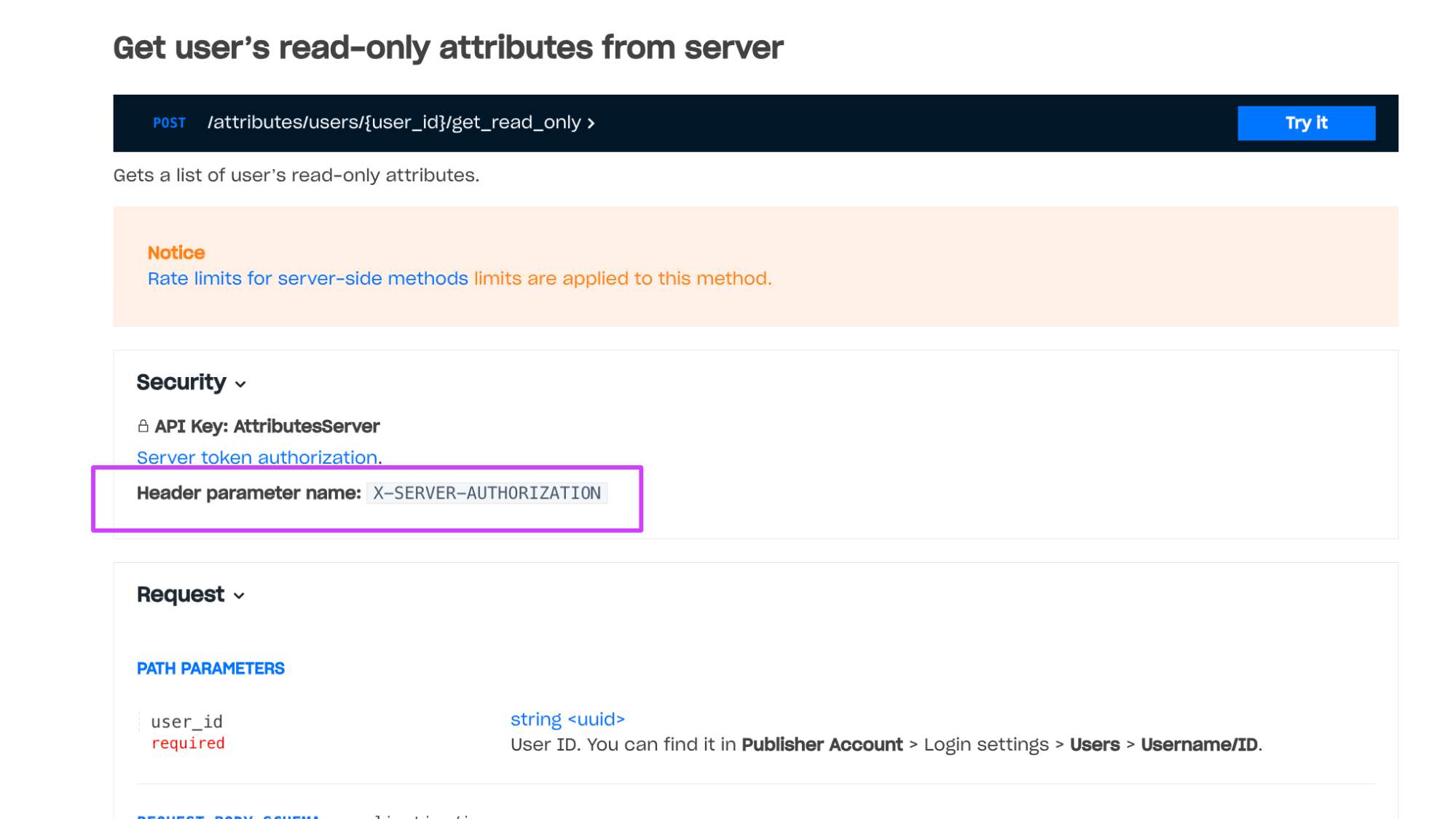
 Example of a method with client-side authentication: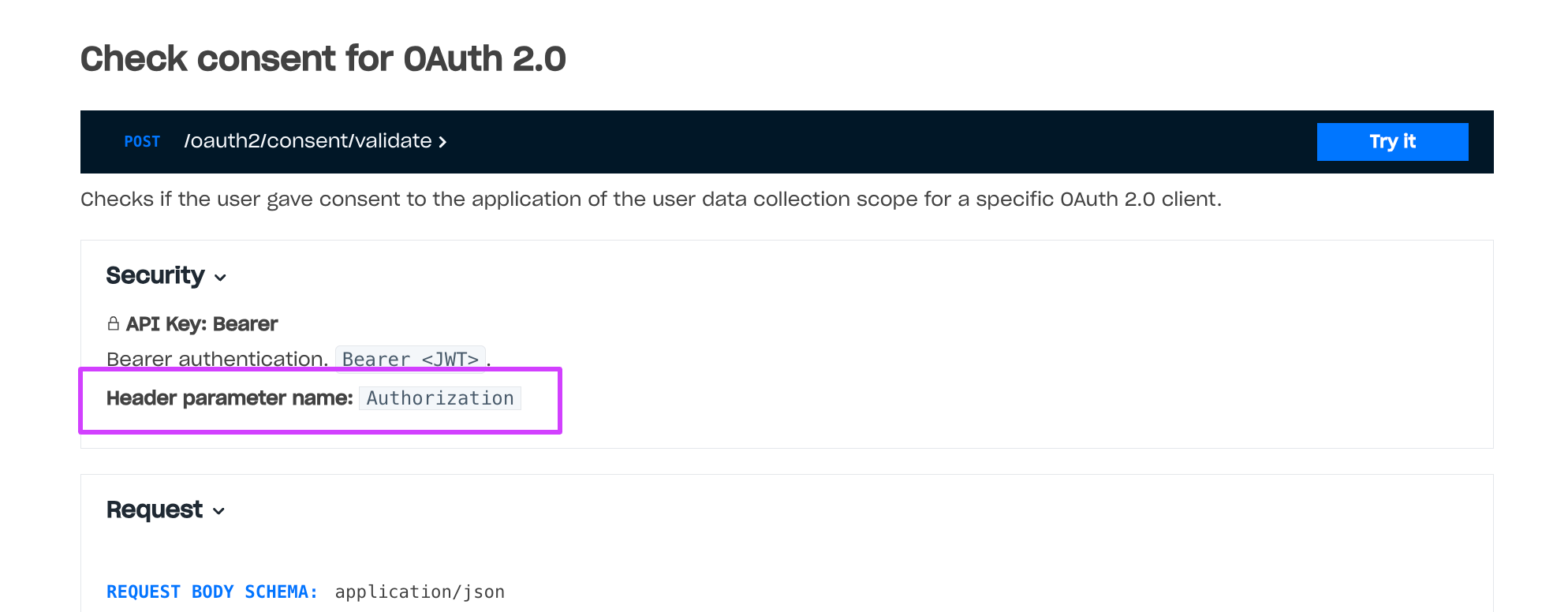
Confirms the user password reset.
You can reset user password if you use Login widget forms or your own password reset forms. If you use your own forms, contact your Customer Success Manager and specify the URL of your password reset form.
The workflow of using this call with your own forms:
- The application opens a form so the user can enter their email or username.
- The user enters their email or username.
- The application sends the Reset password request to the Xsolla Login server.
- The Xsolla Login server sends a confirmation email to the user.
- The user follows the link in the email and proceeds to the form for setting a new password.
- The user enters a new password and clicks Set new password.
- The application or Login widget sends this request to the Xsolla Login server.
Notice
Rate limits for client-side methods are applied to this method.
Claims that are contained in the token after authentication via a social network. Presence of these claims does not depend on the user database.
provideridis_cross_authsocial_access_tokenaccess_tokenparameter used for authentication. Contact your Account Manager to set up the feature.picturebirthdaygendername