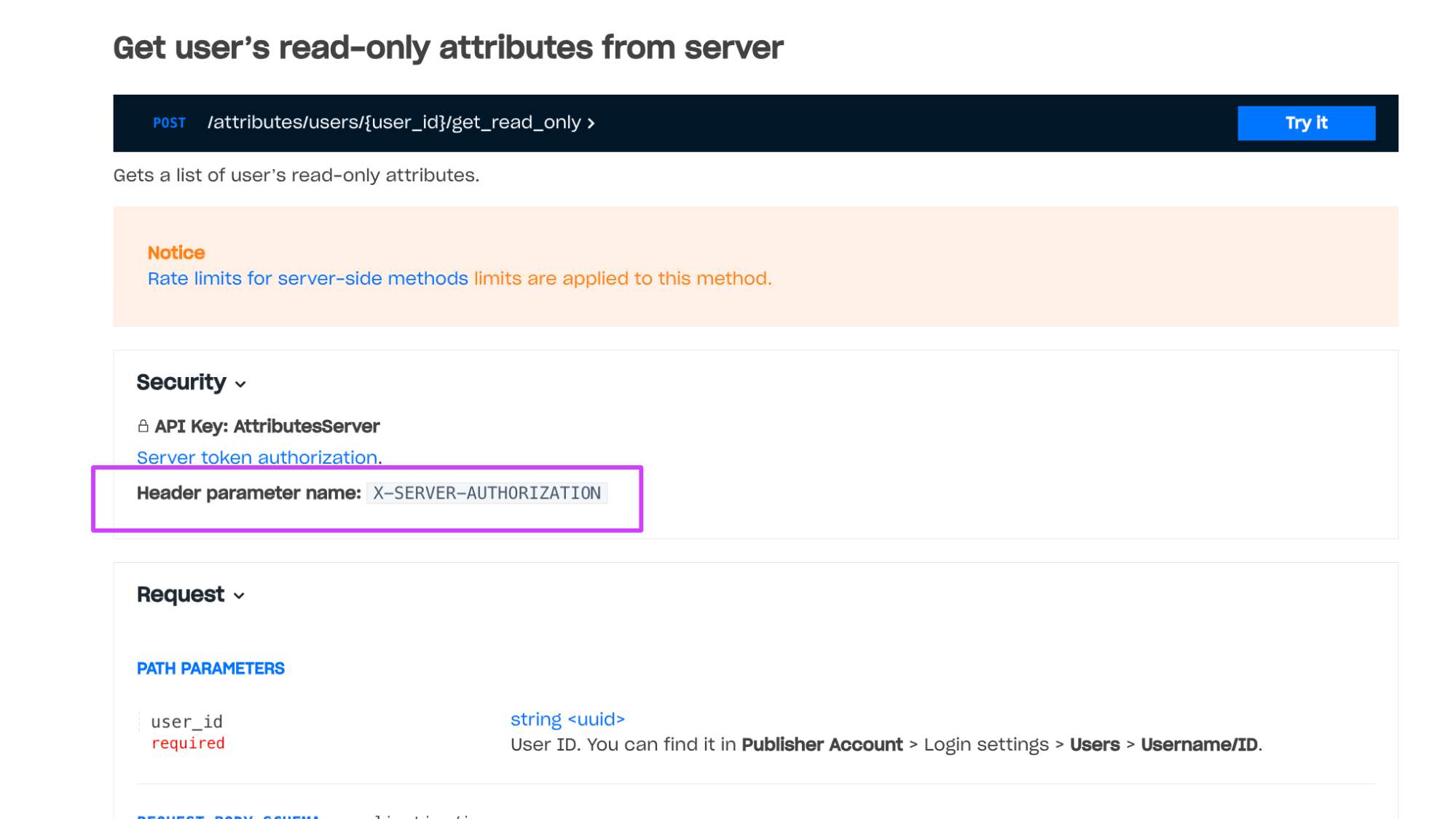
 Example of a method with client-side authentication: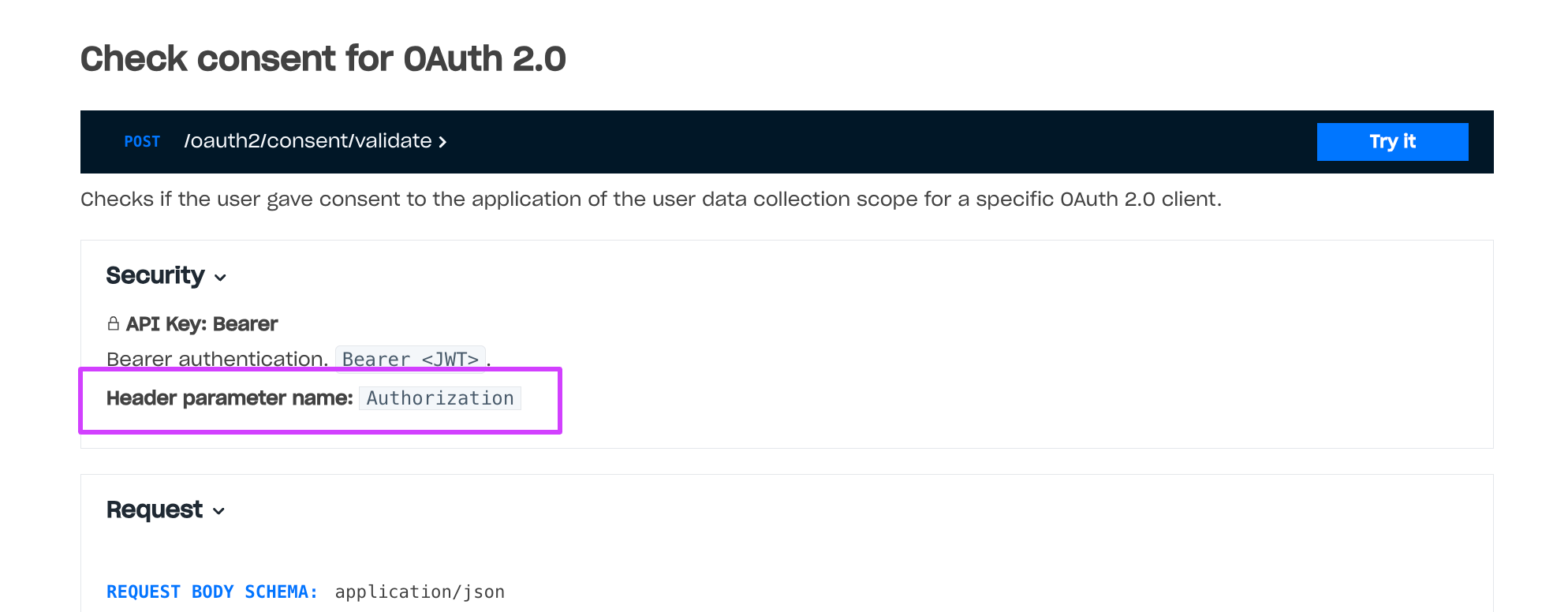
Starts authentication by the user email address and sends a confirmation code to their email address. The code lifetime is 3 minutes.
This call is used only with the Complete auth by email call.
The workflow of using this call:
- The application opens an authentication form so the user can enter their email address.
- The user enters their email address.
- The application sends this request to the Xsolla Login server: a. If the parameter
send_linkistrue, after this request, you should send the Get confirmation code request to make email contain the confirmation code and link. b. If the parametersend_linkisfalseor not passed, the email will contain the confirmation code only. - The Xsolla Login server sends the email and returns the ID of the confirmation code.
- The application shows a field so the user can fill in the confirmation code.
- The user enters the received confirmation code or follows the linke.
- The application sends the Complete auth by email request with the received ID to the Xsolla Login server.
- The user is considered as authorized.
Notice
Rate limits for client-side methods are applied to this method.
Claims that are contained in the token after authentication via a social network. Presence of these claims does not depend on the user database.
provideridis_cross_authsocial_access_tokenaccess_tokenparameter used for authentication. Contact your Account Manager to set up the feature.picturebirthdaygendername